
In the GFAL Marketplace, inside the email login option, you can find the text "Forgot password?"
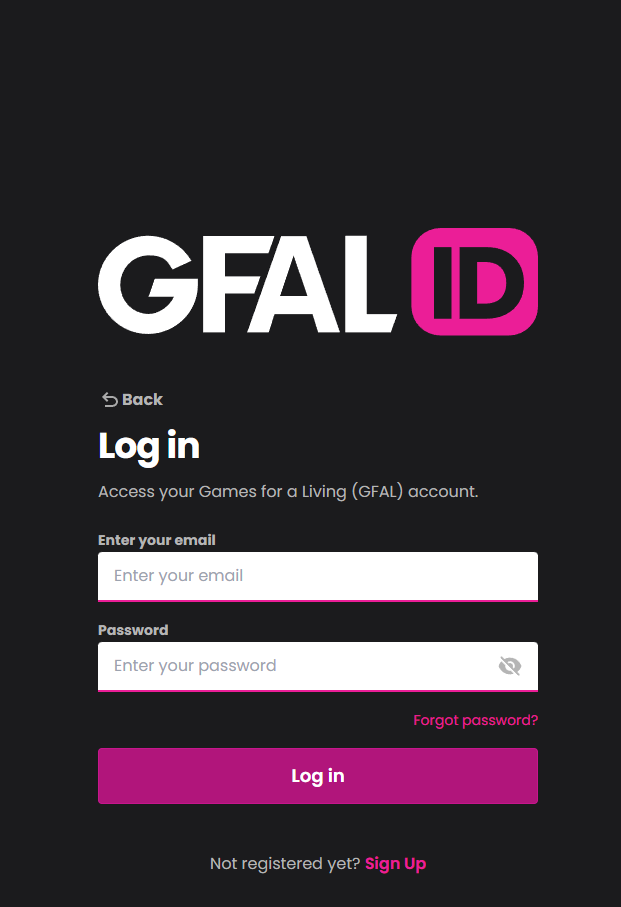
Once you click on it, you will be prompted to enter your email address. After submitting your email, you will receive an email containing a link that will allow you to set a new password. Please note that the password must meet the following requirements:
- Minimum of 8 characters in length.
- Must include at least 1 special character.
- Must contain at least 1 lowercase letter.
- Must include at least 1 uppercase letter.
- Must have at least 1 numerical digit.
Make sure to create a strong and secure password to protect your account. If you encounter any issues or have any questions, please feel free to contact our customer support team for assistance.